MODULE 01ACTIVE
Slouching
Compares how you sit now with how you sit when you sit well, and tells you when you've drifted for a few minutes, not every second.
▸ 33 body points
_
Compares how you sit now with how you sit when you sit well, and tells you when you've drifted for a few minutes, not every second.
▸ 33 body points
Knows when you've been at the desk for 45 minutes straight and asks you to stand, stretch and walk for two.
▸ Resets when you step away
Notices when your face creeps toward the screen and reminds you to sit back to about an arm's length.
▸ Distance from face size
Counts your blinks and screen time, and prompts the 20-20-20 rule before your eyes start to sting.
▸ Blinks per minute
Notices yawns and heavy eyelids compared with your own normal, and sends one gentle nudge when it's getting late.
▸ Yawns · eyelids · late nights
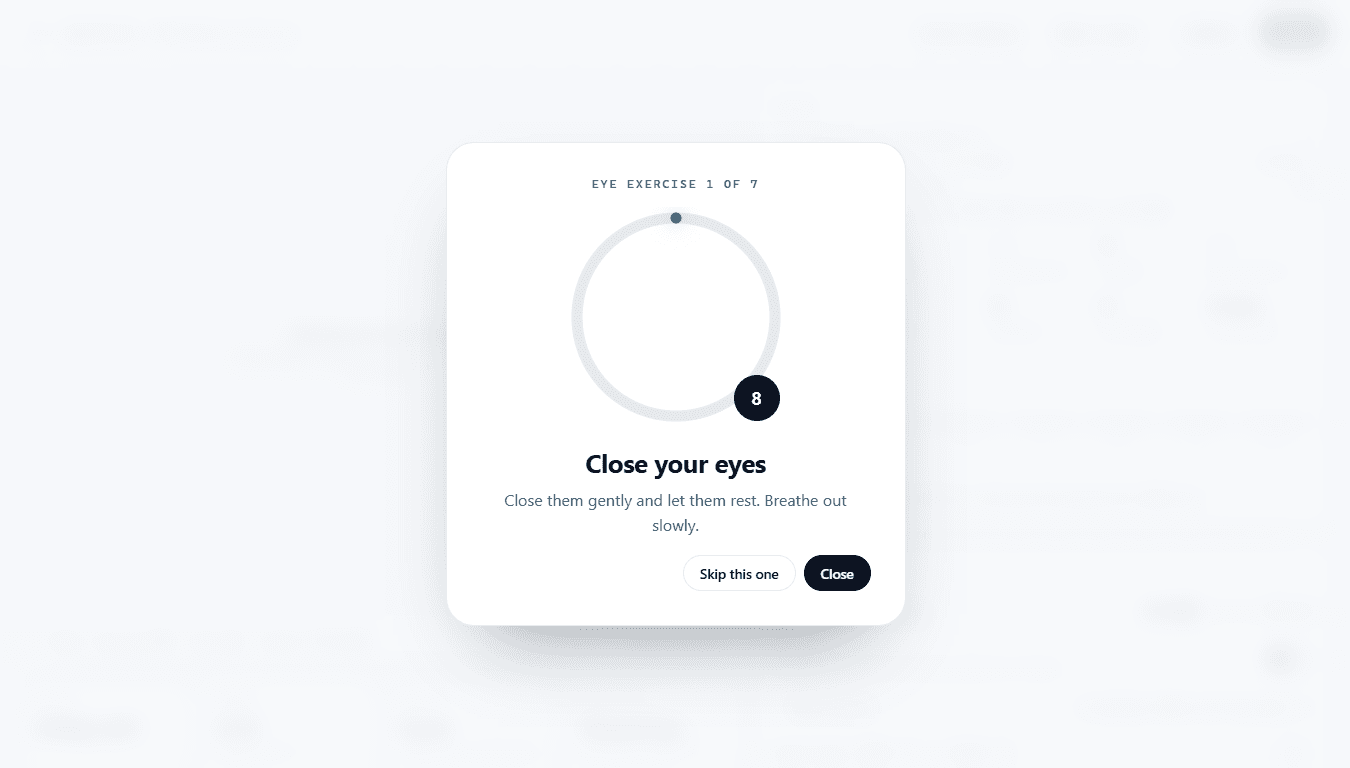
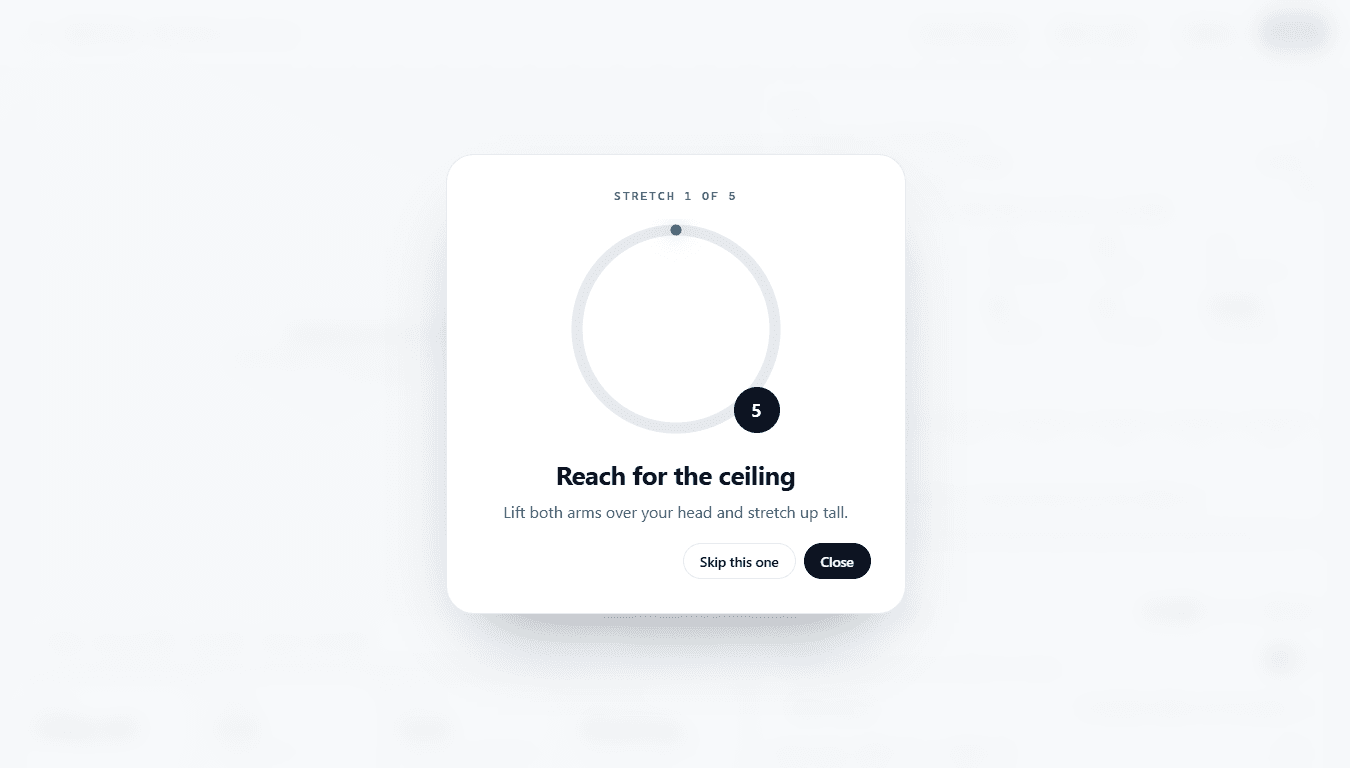
Five stretches and seven eye exercises, one step at a time, talked through by Alyvia's voice. She sees when you've really done each one, and counts your blinks out loud.
▸ Checked by the camera
Notices the desk going up from the room behind you, and reminds you to sit down again too, because switching is what helps.
▸ Sitting and standing time
Alyvia checks whether a nudge helped. The ones you keep ignoring come less often, and daily goals and a streak show what's working.
▸ Goals · streaks · weekly report
On battery, or whenever you like, Alyvia takes a short look each minute instead of watching all the time. The camera light stays off in between.
▸ A few seconds a minute
Counts how often your phone comes out, and reminds you to drink when it hasn't seen a cup or bottle at your lips for an hour.
▸ One more small on-device model
Compares your brow and jaw with your own normal, never with anyone else's, and suggests a breath when you look more tense than usual.
▸ Off until you switch it on
Measures only how loud the room is, never what's said. Tells you when you've been louder than your normal for a while.
▸ Loudness only, no audio kept
Two optional guards. They run on the same on-device AI, so nothing about you, or anyone else, leaves your computer.
Stepped away and forgot to lock? After the time you choose, from 15 seconds to 2 minutes, Alyvia locks the screen: on Windows exactly like Windows+L, on a Mac by putting the display to sleep. She can lock it. She can never unlock it.
▸ Locks by itself
When another face looks toward your screen for a moment, Alyvia lets you know, and can cover your screen until they step away. Faces are counted, never recognized.
▸ Counted, never identified
A few times a second, Alyvia looks at the image from your camera, right on your computer.
Open models from Google's MediaPipe find 478 face points and 33 body points. Alyvia keeps the angles and throws the image away, in milliseconds.
When a pattern lasts, not a moment, a small note appears in the corner of your screen: sit tall, stand up, rest your eyes. That's it.
That feeling is healthy, and it's exactly why Alyvia is built the way she is. Your safety matters more to us than any feature, so we don't take even the smallest risk with what your camera sees. Let's look inside together.
NODE 01
Your webcam
A frame, a few times a second.
NODE 02 · YOUR COMPUTER
On-device AI
MediaPipe, open models
Numbers only
angles, timers, counts
Your coach
rules + nudges
Each image is erased the moment it's read.
NODE 03 · BLOCKED
The internet
Gets nothing. Not a frame, not a photo, not a single number about you.
0 BYTES
Each frame lives for a few milliseconds while the AI reads it, then it's erased. Nothing is recorded, saved or screenshotted. Ever.
The window where your camera is analyzed can't reach the internet: it's blocked in code. Only two small requests ever leave: a daily "new version?" check, and anonymous daily counts if you turn them on. Your license is checked on your own computer, never online.
Your Alyvia account holds your email and your purchase, nothing else. Your settings and daily totals sit in a small file on your computer, and uninstalling asks whether they should go too.
The engine is the same file in the demo and the app, and the app installs as plain, readable code, not a compiled blob. You, or any security expert you trust, can open it and check.
One click pauses Alyvia, and she pauses herself whenever you lock your screen (on Windows, also when you join a call). Your camera light always tells you the truth.
The microphone is off unless you turn it on, and even then Alyvia hears only how loud, never what's said.
You don't have to take our word for it.
Open the demo, open your browser's network tab, and watch for yourself: nothing about you goes anywhere. Then read how it's built.
Alyvia waits for patterns that last minutes, not moments, and every kind of nudge has a cool-down. Quiet hours, focus mode and every timer are yours to change.
Sit tall
You've been slouching for a few minutes. Shoulders back, screen at eye level.
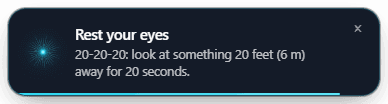
Rest your eyes
20-20-20: look at something 20 feet away for 20 seconds.
Time to stand up
You've been sitting for 46 minutes. Stand up, stretch and walk for two.
Lean back a little
You're close to the screen. About an arm's length is easier on your eyes.
A moment to breathe?
You look more tense than usual for you. A slow breath or a short break might help.
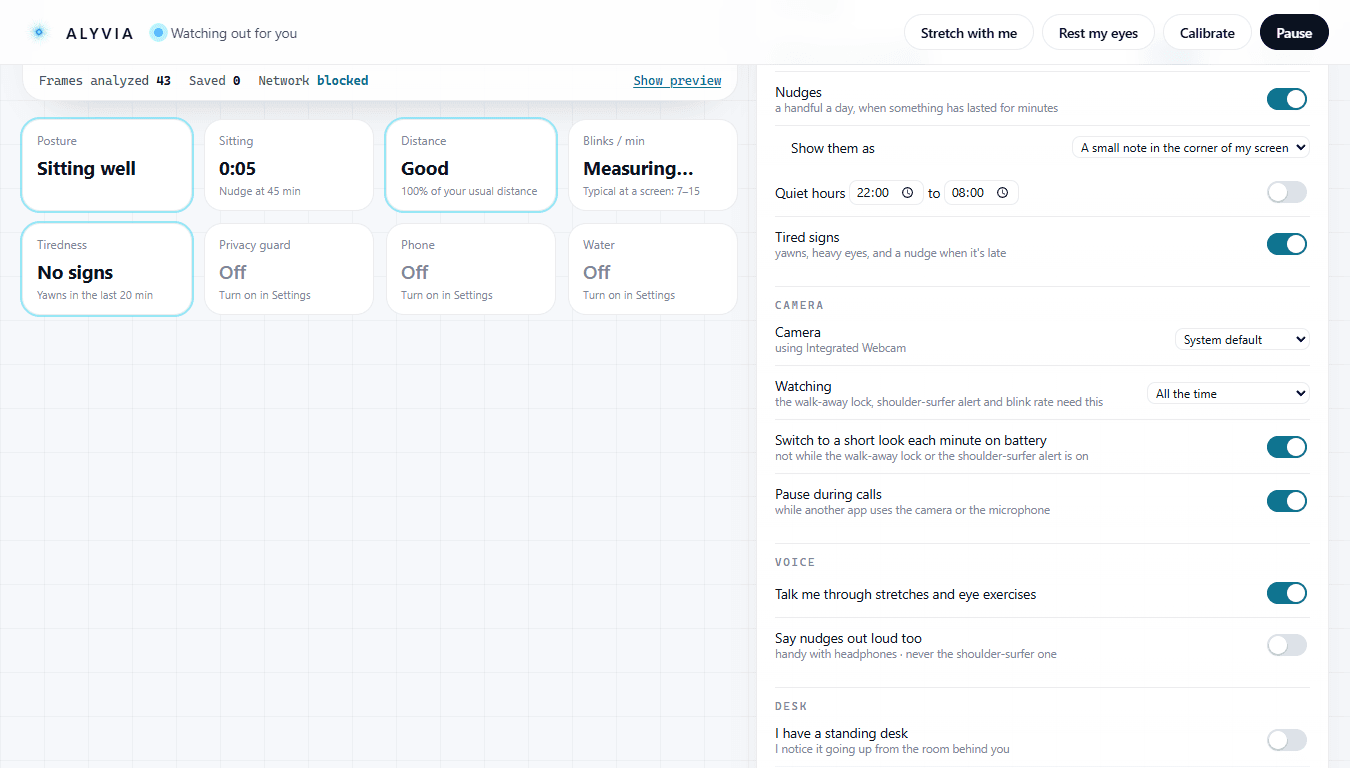
Straight from the Windows app. The totals are a sample week, and the camera preview is switched off, the way you can keep it.
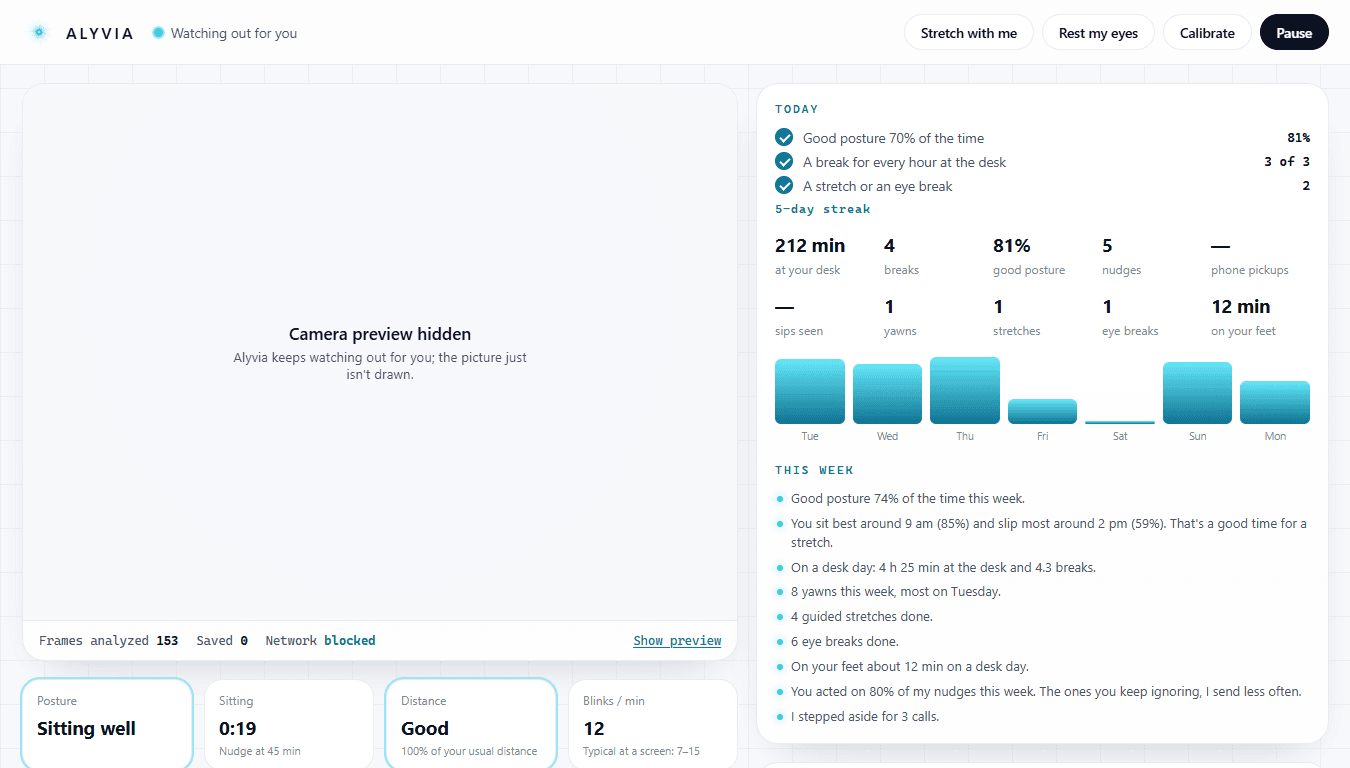
▸ A sample week · camera preview switched off
Posture, sitting time, distance and blink rate as they are right now, with today's goals and your week beside them.
ACCESS 00 / BROWSER DEMO
FREE
See exactly what Alyvia notices, live, in a browser tab, before you buy. Nothing to install.
Open the demo$49 / ONCE
One payment, no subscription. Your license key is checked on your own computer, so it keeps working with no internet, and even if we're ever gone. Updates are free for as long as we publish them. No trial, no change-of-mind refunds: the demo shows you everything first.
No account needed. Your key arrives by email.
ACCESS — / NOT FOR SALE
Employee monitoring
Alyvia is for you, about you, on your own computer. We don't offer team dashboards or employer licenses, and we won't.
Price in US dollars, before local taxes. No refunds for a change of mind; this doesn't affect rights consumer law gives you that can't be waived.
No. The AI runs on your computer and the image is discarded as soon as it's analyzed. The window that sees your camera can't reach the internet: the desktop app blocks it in code, and that code installs as plain, readable files, so security experts can confirm it. In the browser demo you can watch your network tab: no images are uploaded.
No. Alyvia is sold for personal use only, and we won't sell it to employers to watch staff. It has no remote dashboard and no way to send your data to anyone else.
No, and we think products that claim to are overselling: a frown doesn't reliably mean anger. The optional tension check only compares your brow and jaw with your own normal and suggests a pause. It never labels your feelings, and it's off until you turn it on. The tiredness check looks at yawns and eyelids, which are physical signs, not feelings.
Yes, if you switch it on. When neither your face nor your body has been in view for the time you choose (15 seconds to 2 minutes), Alyvia locks Windows exactly like pressing Windows+L. On a Mac she puts the display to sleep, which locks it when your Mac asks for the password on waking. She can't unlock anything: you sign back in as usual. In very dim light, choose a longer delay.
No. The shoulder-surfer alert only counts faces: there's no face-recognition model in Alyvia at all, and nothing about anyone else is kept. It's off until you turn it on, and it ignores photos and posters that never move.
Alyvia analyzes only a few frames a second, uses the graphics chip where it can, and slows right down when you step away from the desk. On battery it can switch to light mode: a short look each minute, with the camera (and its light) off in between. The optional phone and water check adds one small model that looks every second and a half.
On Windows, Alyvia steps aside. When another app, such as Zoom, Teams or Meet in your browser, is using your camera or microphone, she pauses and lets go of the camera, then picks up again a few seconds after the call ends. You can tell her not to pause for a particular app. On a Mac, pause her from the menu bar.
Only when it helps. During stretches and eye exercises she talks you through each step and counts your blinks, so you don't have to look at the screen. Nudges stay silent unless you ask to hear them. Her voice is a set of recorded lines that ship with the app; nothing is sent to a speech service.
There's no trial, and no refunds for a change of mind. Instead, the live demo on this site runs the very same AI, so you can see exactly what you're buying first. If Alyvia doesn't work or isn't as described, your legal rights still apply: just write to us.Alyvia is one payment of $49 and it's yours for good: there is no subscription and nothing renews.
Your copy keeps working. Alyvia runs entirely on your computer, and your license key is checked on your computer too: no activation, no server that has to stay alive. Keep the installer and your key (we email it to you) and Alyvia works with no internet. Updates are free for as long as we publish them; if we ever stop, the version you have keeps working, although we can't promise it will run on future versions of Windows or macOS.
Windows 10 and 11, and Macs with macOS 13 (Ventura) or newer, both Apple silicon and Intel. One license key works on your own computers, whichever they are. One difference: pausing by herself during video calls is on Windows; on a Mac you pause her from the menu bar. The browser demo works in Chrome, Edge and other modern browsers.
No. Alyvia is a wellbeing and habit tool. It doesn't diagnose, treat or prevent any condition. If you have pain, see a professional.
Glasses are fine; if a reflection hides your blinks, Alyvia says she can't tell rather than showing a wrong number. It needs enough light for your camera to see your face; in a dark room it pauses its checks rather than guessing.